How to keep a shared grocery list that avoids duplicate purchases
· Editorial team seattlenewsdaily7.com
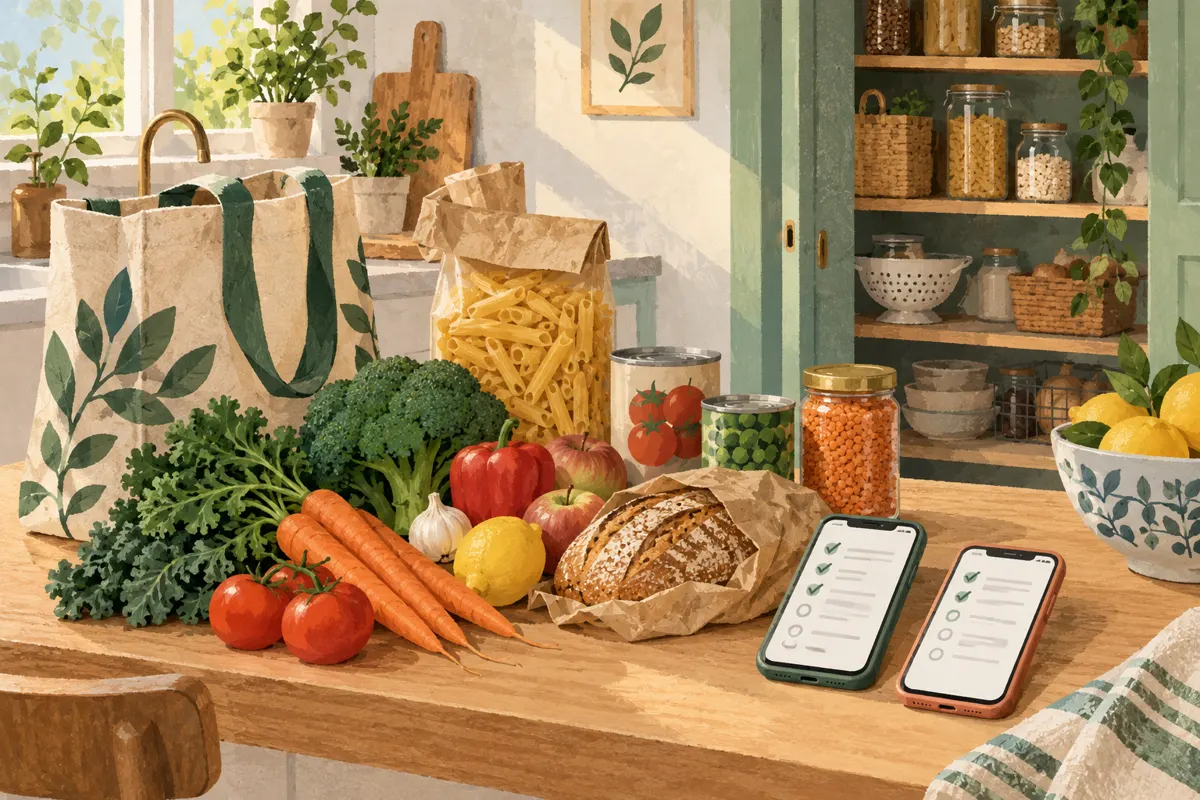
Use one shared grocery list, check supplies before adding items, and mark purchases as they go into the cart. When two people might shop at once, agree who will buy each item before either starts. The proposed household routine below gives everyone a clear way to record what is needed and what has already been picked up.
Choose one list everyone can reach
Pick a shared note or grocery-list app that everyone in the household can open and edit. Make it the agreed place for grocery requests. If someone mentions needing eggs in a message, add that request to the shared list so the shopper has one place to check.
Useful features include shared editing, quantities, item notes and a visible completed section. The supplied App Store descriptions for Shopping Share and ListX advertise shared updates and photo support; ListX also describes quantities and measurement units. Those are developer descriptions, so check how your chosen tool works before relying on it during a trip.
Keep the setup simple: one main list for household groceries, with separate lists only when they have a clear purpose. Roommates should also agree whether personal items belong on the household list and who is expected to pay for them.
Check what you have before adding more
Before adding an item, look in its usual storage spot and check for an unopened backup. Then read the active list to see whether someone has already requested it. For meal ingredients, list the amount still needed after checking supplies.
- Check the refrigerator, freezer or pantry for the item.
- Decide how much more the household needs for the planned meals or next shopping period.
- Find any existing entry and adjust its quantity instead of adding a second line.
- If you cannot check supplies, add a note such as “Check cupboard before buying.”
Agree on a refill point for regularly used staples. For example, your household could propose adding rice when the last unopened bag is started. Choose a rule that suits your storage space and habits; avoid automatically carrying every staple onto every shopping list.
Write entries that answer the shopper’s questions
Each entry should say what to buy and how much. Include a size, variety or dietary requirement when it matters. A brand or photo can help identify a particular product, but ordinary items do not need lengthy descriptions.
- Milk — one half-gallon, lactose-free.
- Apples — six, any variety.
- Canned tomatoes — two 14.5-ounce cans, diced.
- Bread — one loaf, whole wheat; another brand is fine.
Distinguish the amount to buy from the amount needed overall. If a recipe needs three cans of tomatoes and you already have one, write “Buy two cans.” Keep all requests for the same product on one line, unless different types are deliberately needed. Add substitution instructions where a choice matters: “Unsweetened only” or “Skip if unavailable.”
Coordinate before shopping and update in the aisle
Before leaving, tell the household you are taking the grocery trip and open the latest list. If another person is also shopping, divide responsibility explicitly. You might take produce and dairy while they handle pantry items. Record names beside entries if your tool has no assignment feature.
- Review your assigned items before selecting groceries.
- Mark an item complete when the requested quantity is in your cart.
- If you find only part of the quantity, record what remains to buy.
- Leave unavailable items active with a short note.
- If you remove something from the cart, restore it to the active list.
If updates are not reaching the other shopper, use a direct message to confirm who is buying what. Until you can confirm the list is current, stick to your agreed assignments. Two shoppers can still pick up the same item before either marks it complete.
Reset the list after putting groceries away
Once home, compare the groceries with the completed entries. Restore anything that was marked bought but did not arrive, and update any remaining quantities. Remove requests that are no longer needed so the next shopper does not act on an old plan.
Before the next main trip, do a short household review: check supplies, merge duplicate entries and clarify vague requests. Completed items can serve as reminders, but reactivate them only after checking whether you need more. If duplicates keep happening, trace the specific gap—an unchecked cupboard, an unclear quantity or overlapping shoppers—and adjust that part of the routine.